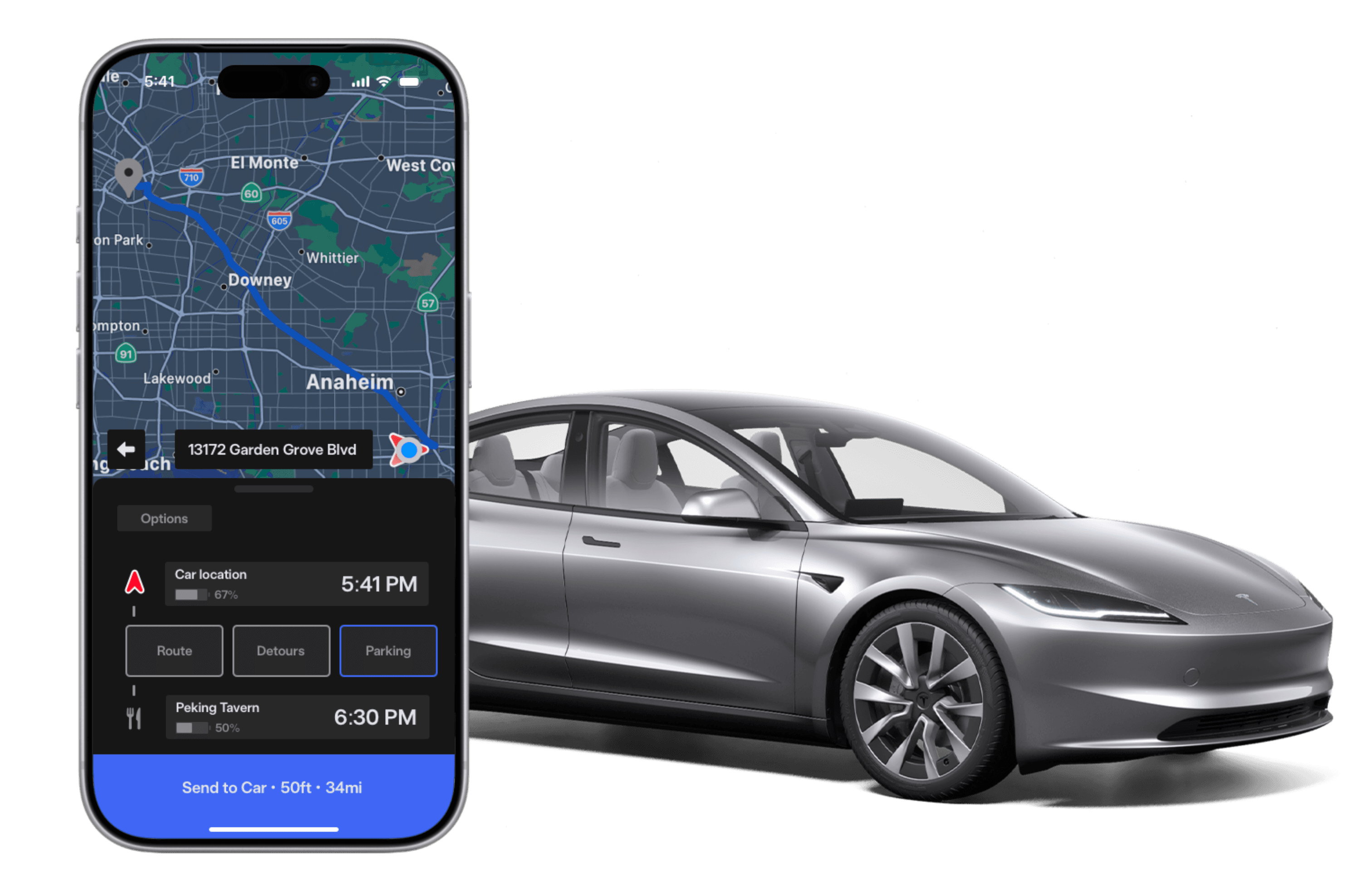
A Smarter Route Planner.
もっといいルートプラナー。
In October 2020, Tesla released to a small group of beta testers, an autonomous driving feature touted as "Full Self-Driving". Since then, it has evolved and undergone through many changes, and I got to try it for the first time last year. Like many others, I think the capability of a car, regardless of brand, to drive autonomously is pretty awesome, and potentially society-altering. Here's how you use the feature:
In order to solve these issues, the route planner had to be reworked in some way. It had to take in all the inputs and ensure the user did not have to provide any further info during the drive. It also couldn't be so complex with an endless number of inputs that the user would be overwhelmed. I thought of an initial approach that any user of Full Self-Driving would know (or at least, I'd sure hope they do).
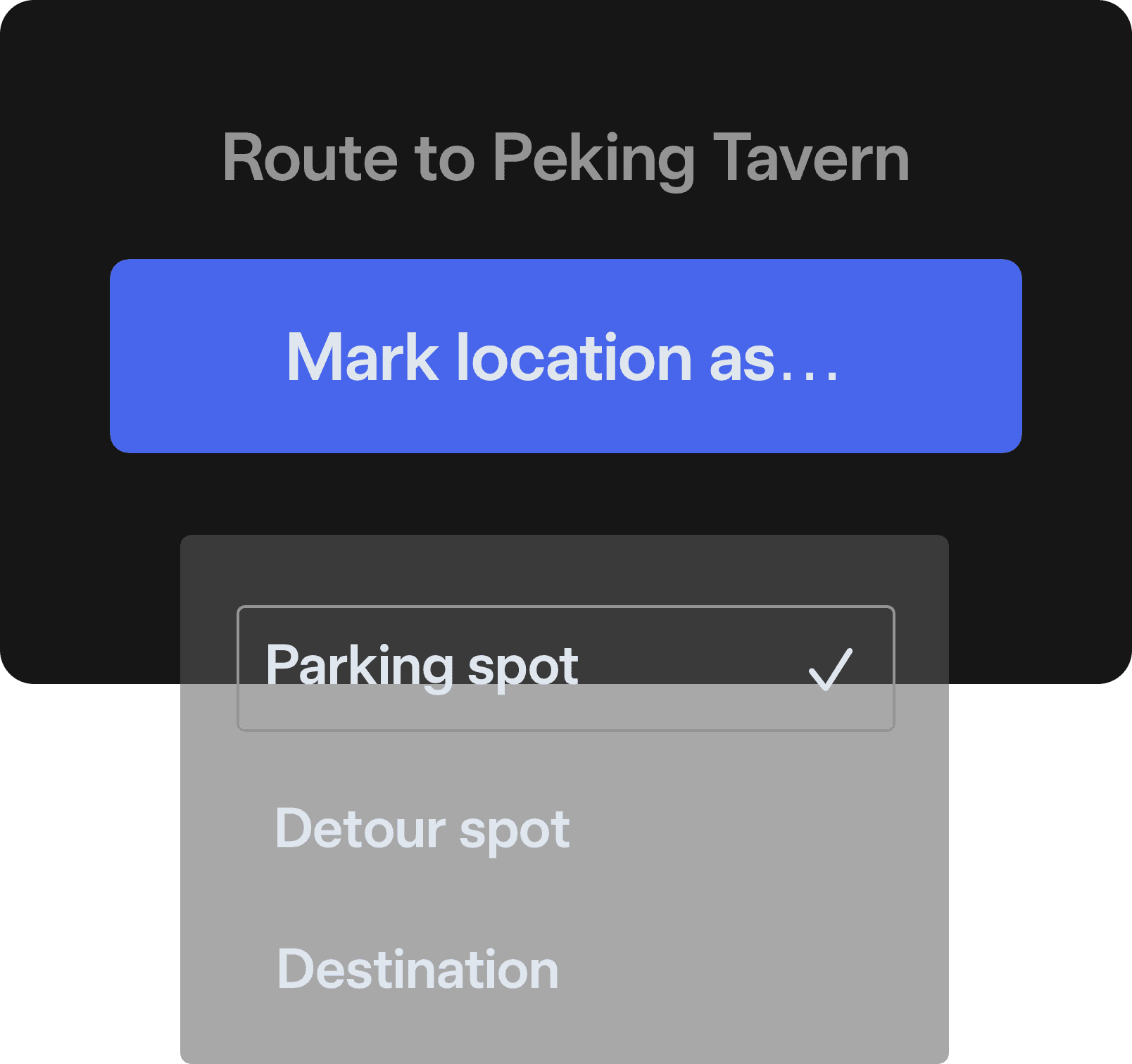
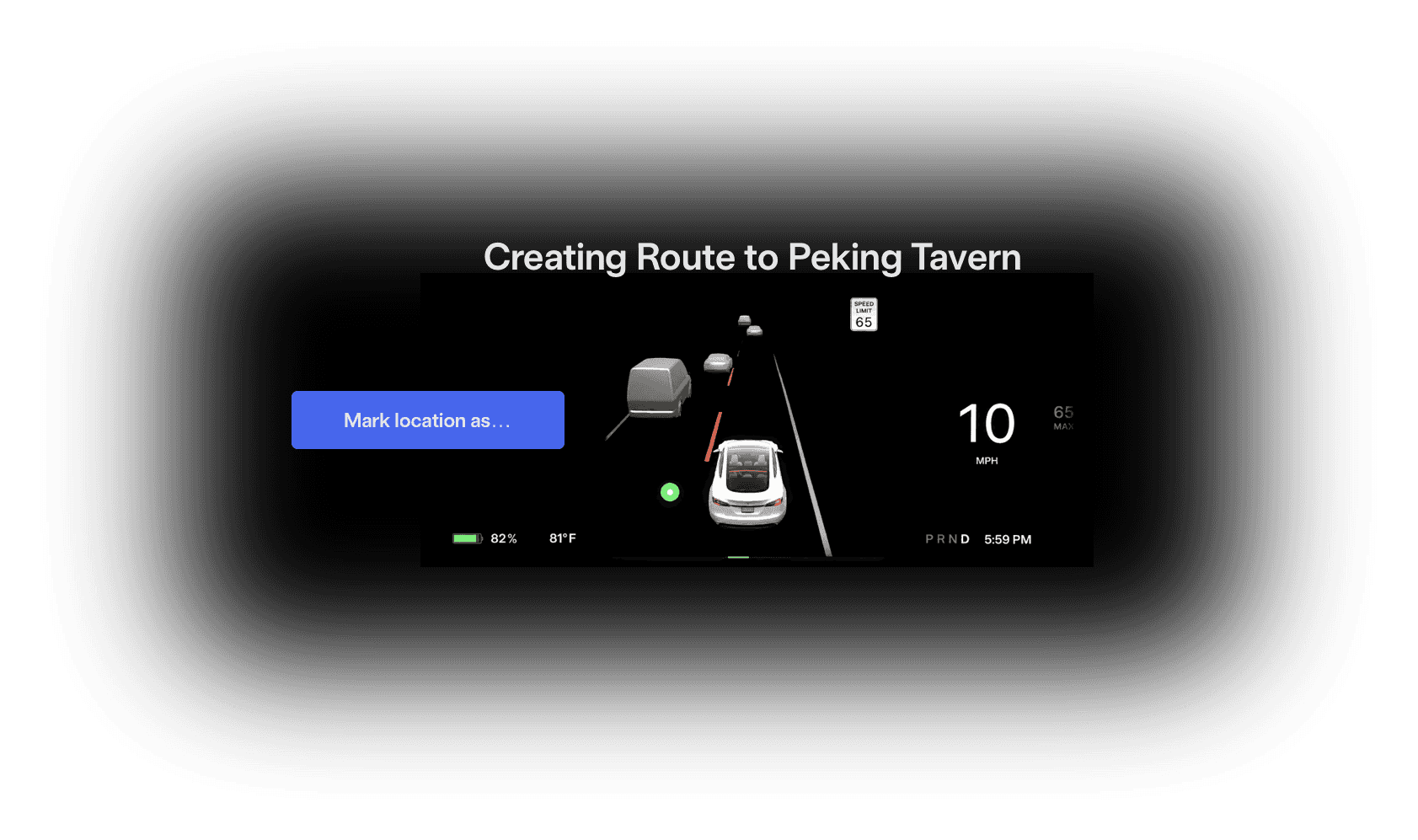
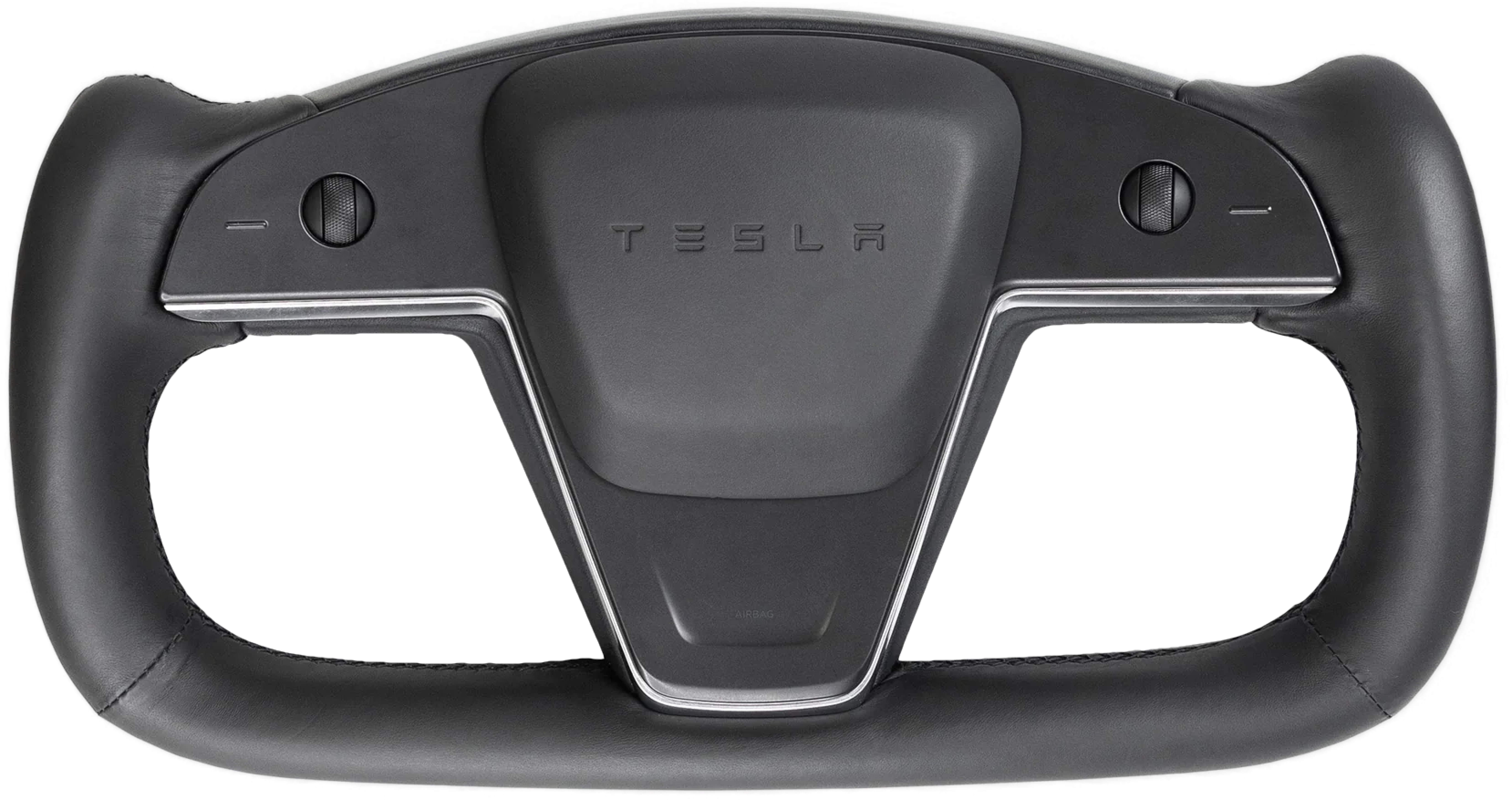
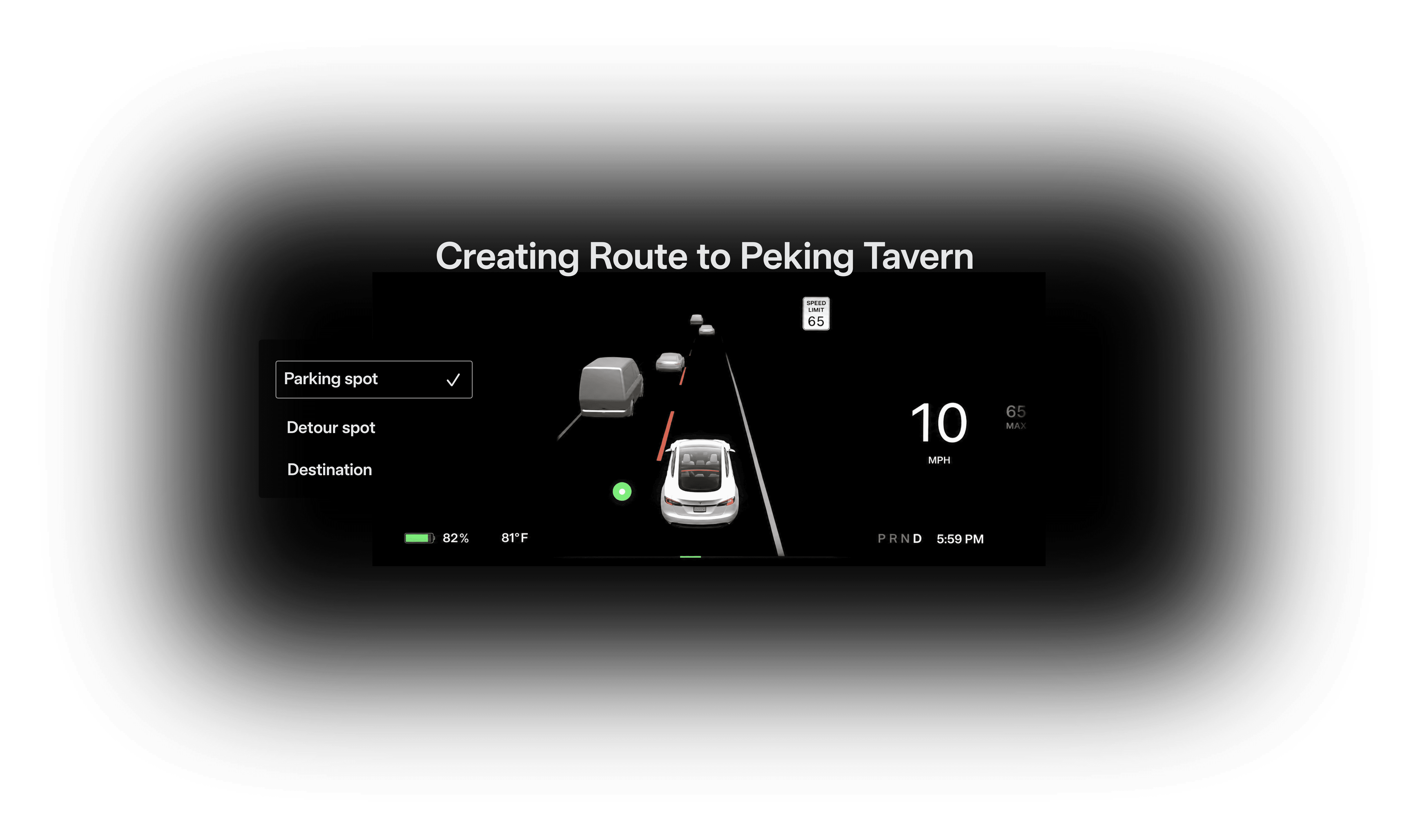
Naturally, the learning and marking process can be seen and interacted with on the screens in the car, like the gauge cluster. The user can interact with it using the existing buttons on the steering wheel/yoke.
This approach is great at making sure the car followed through just the way the user would prefer. Ultimately though, it falls short of being a viable method for a couple of reasons. One, the user would have to drive through a potentially very long trip before having anything actionable to do with, and they would have to repeat the process for each route they have. Two, the user might face a road closure or some other reason obstructing them from the route they'd like to save, like missing an exit. Having to restart the whole learning process again would be annoying. Lastly, it is simply not a sustainable method, as vehicles start to shed manual input methods for a fully autonomous car. The user would have no way to create new routes in that case.
After brainstorming different ideas, I decided that it would be ideal to use another input method that every driver knows: touch. Here are some rough sketches I did to flesh it out:
My first approach involves using either the mobile app or infotainment screen to setup a process where the car can "learn" the route by keeping track of the route that you physically take when driving, with options to mark specific locations.
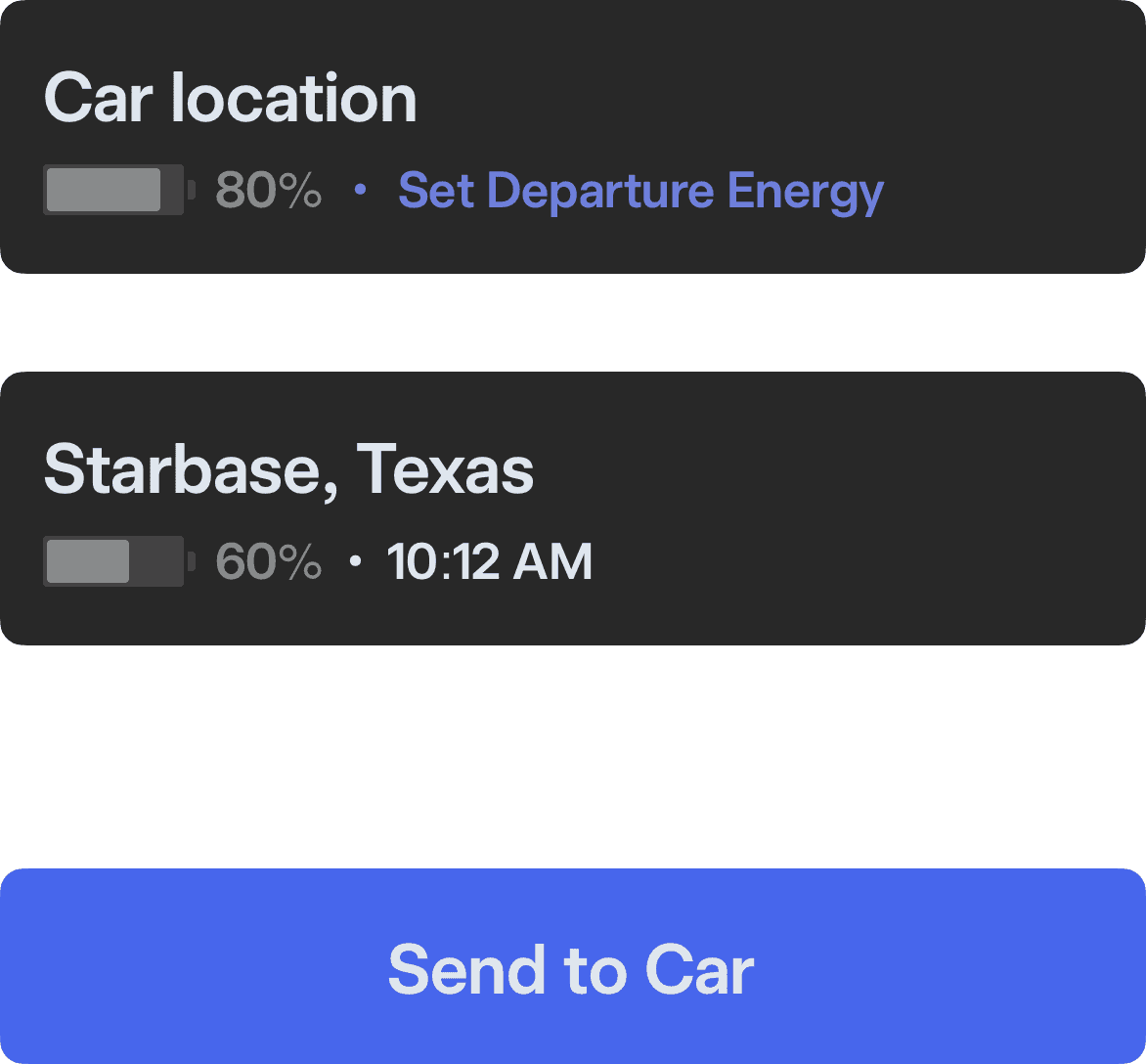
Input a destination on the infotainment screen or the mobile app, then send it to the car…
As much as it'd be ideal for the feature to perform perfectly every time with just these inputs, the current route planner has limitations that manifest themselves in ways like:
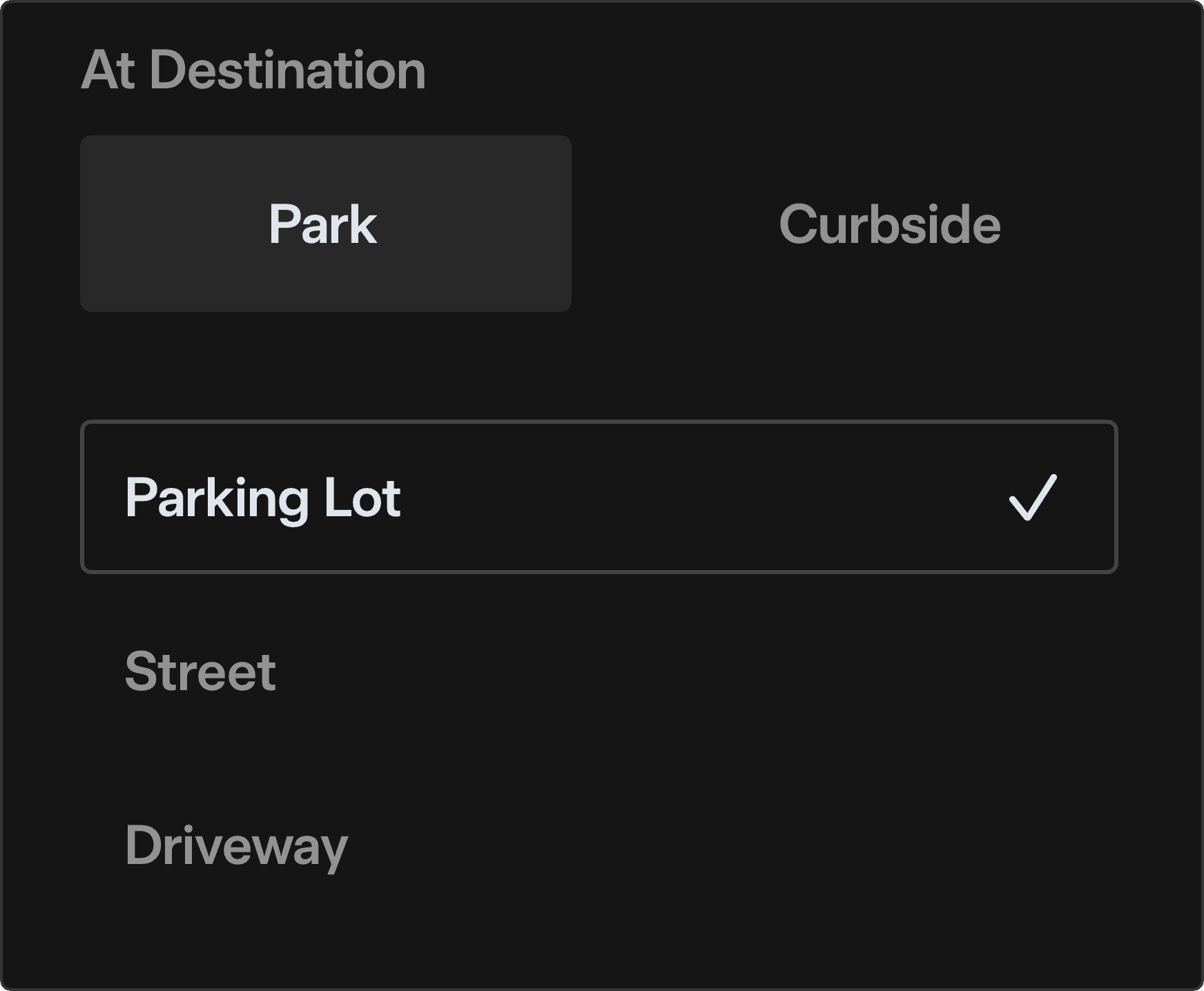
pick a parking option and where you'd like it to park…
and press and go!
The end.
or is it?
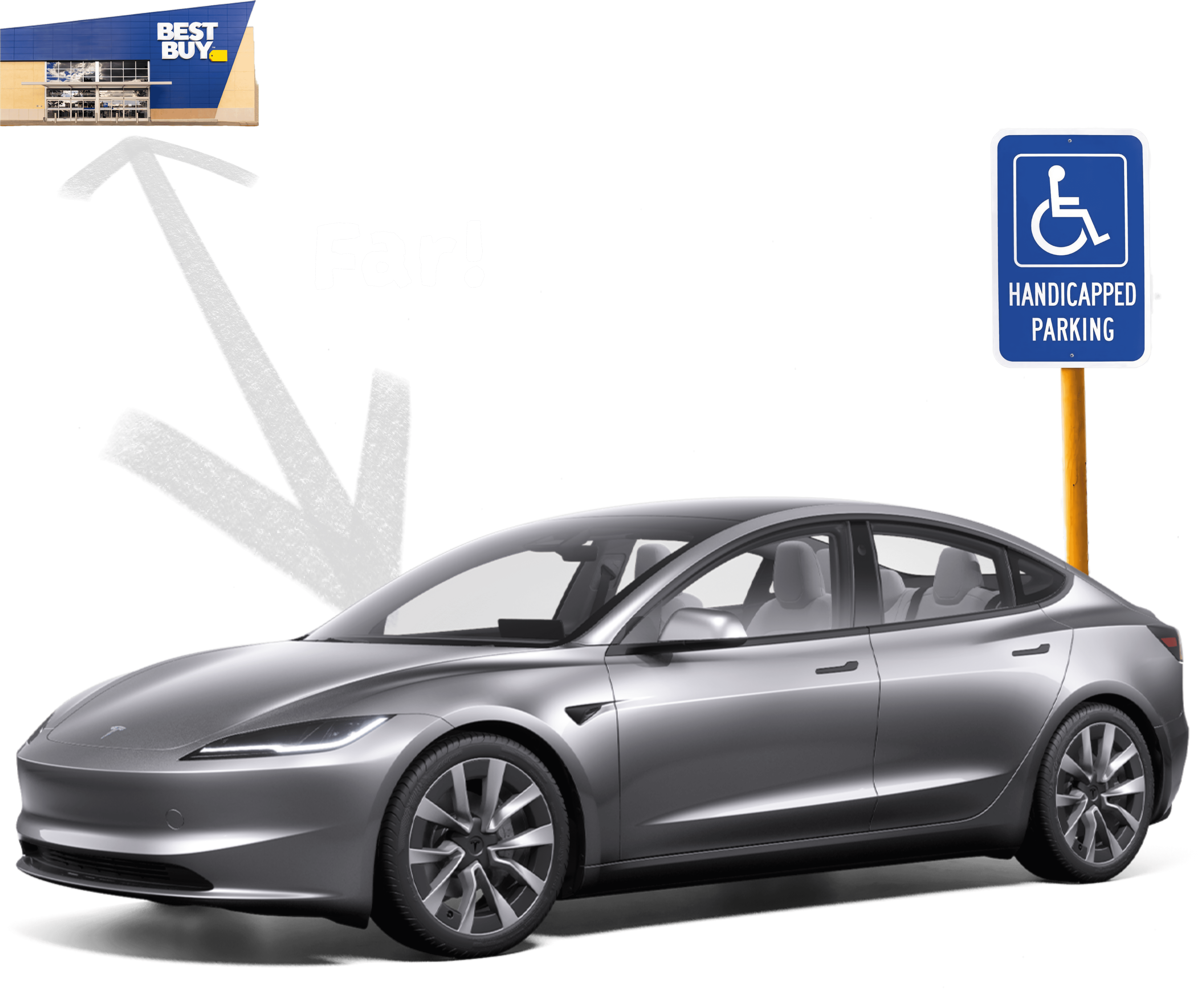
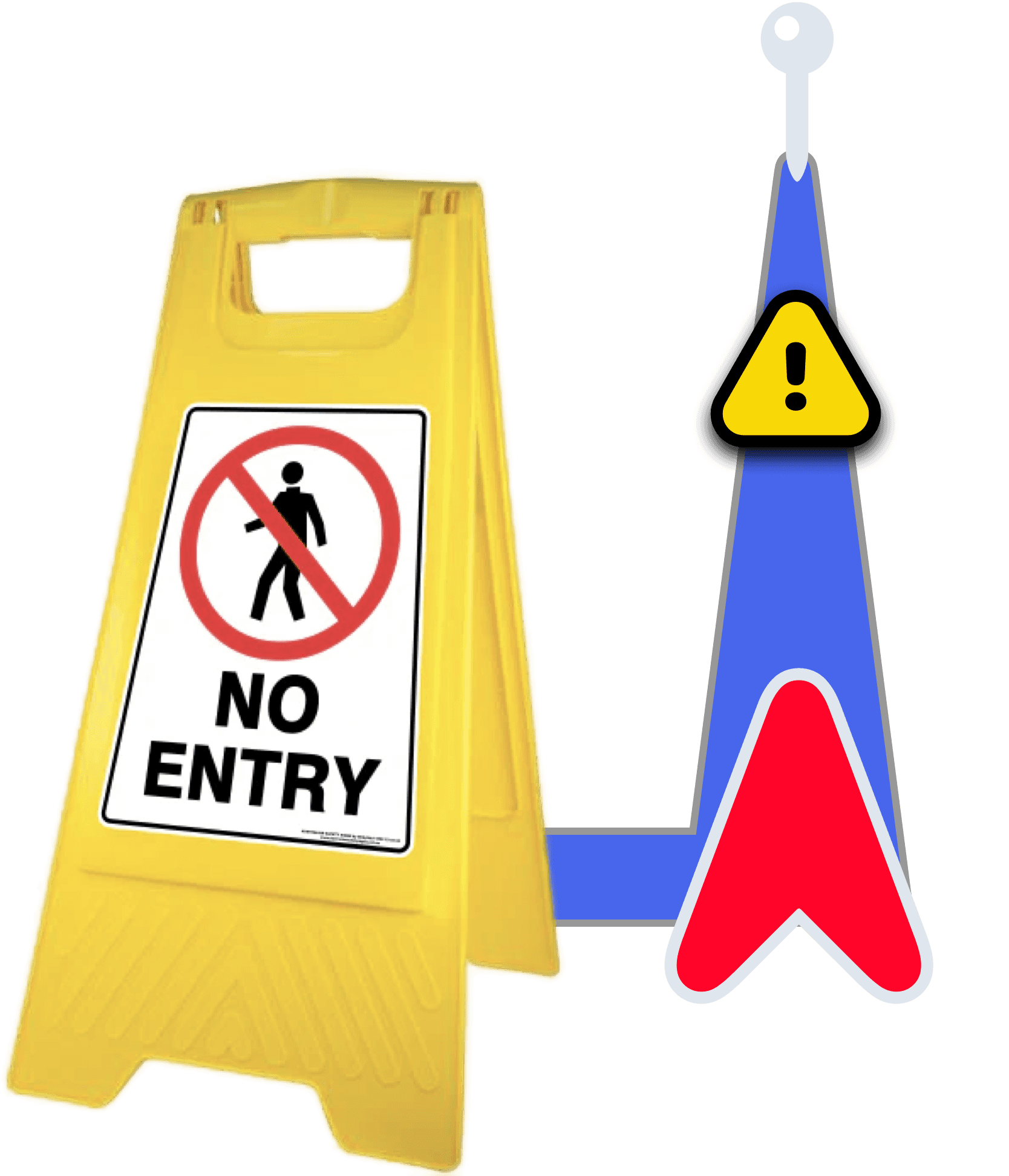

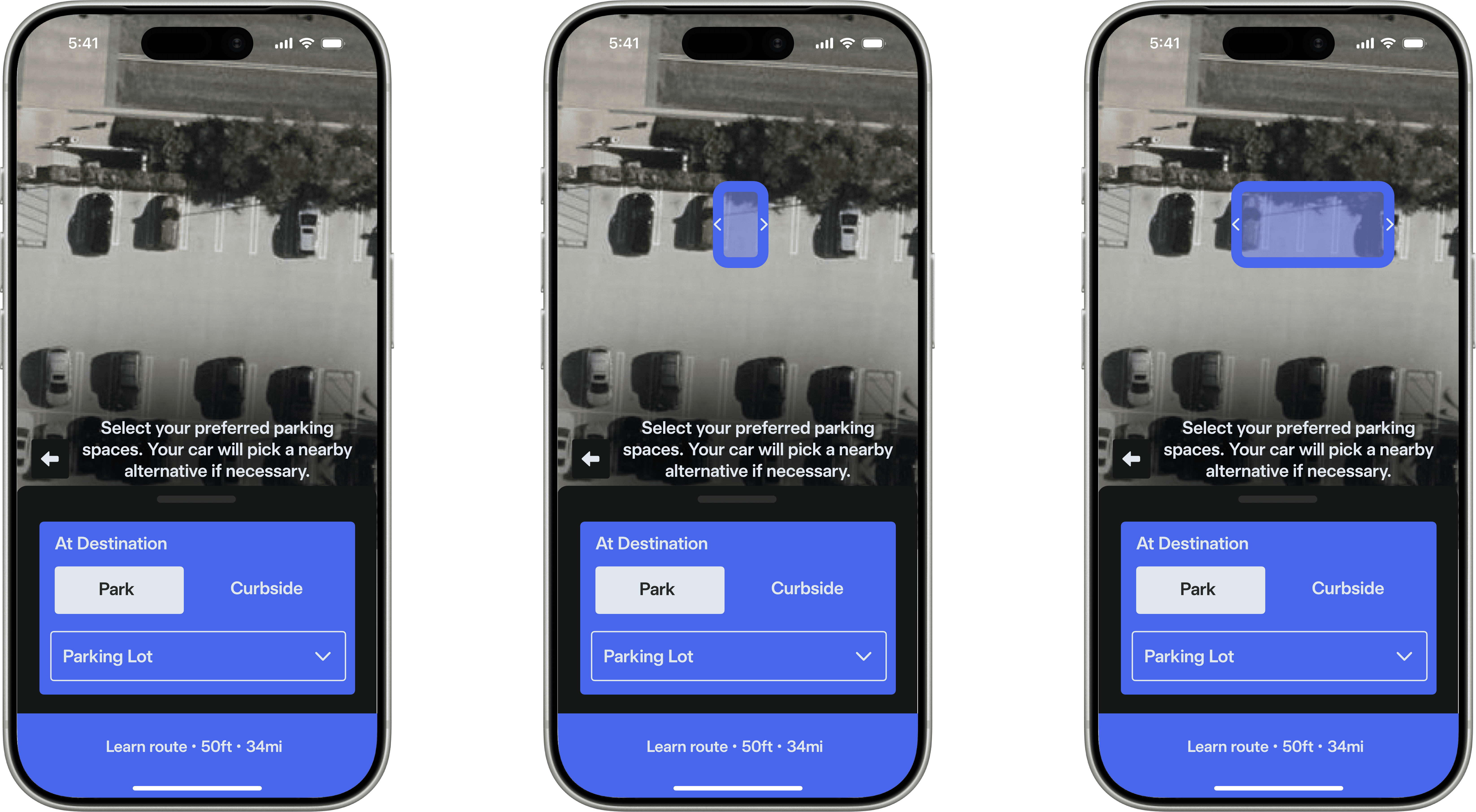
The current parking option menu gives no method to select a specific parking spot or a range of preferred parking spots. Thus, the car decides for itself to park somewhere nearby. This can be problematic when it parks far away from the destination, picks a spot that's restricted or for handicapped people, or if you wanted to park in a spot reserved for your car.
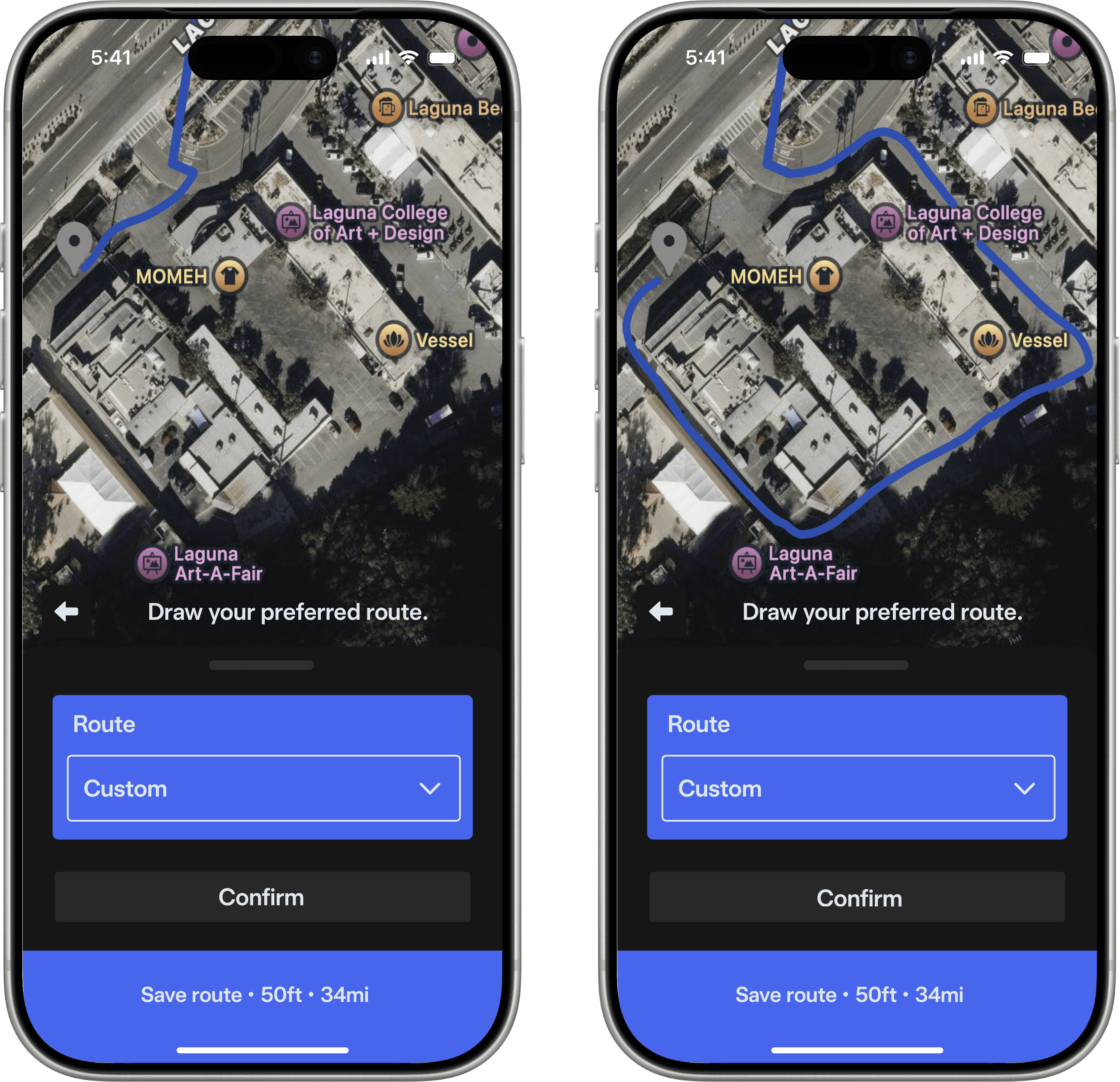
The route planner also uses an automatic route based on traffic conditions and other factors to provide the best ETA, which is generally fine. However, some routes can't be used due to factors unknown to the planner, which can be show-stopping if the car comes across a barrier that it doesn't know how to navigate through. Being able to create a custom route, without needing to use a convoluted method of placing many waypoints to try to nudge the car into your preferred route would prevent a sticky situation.
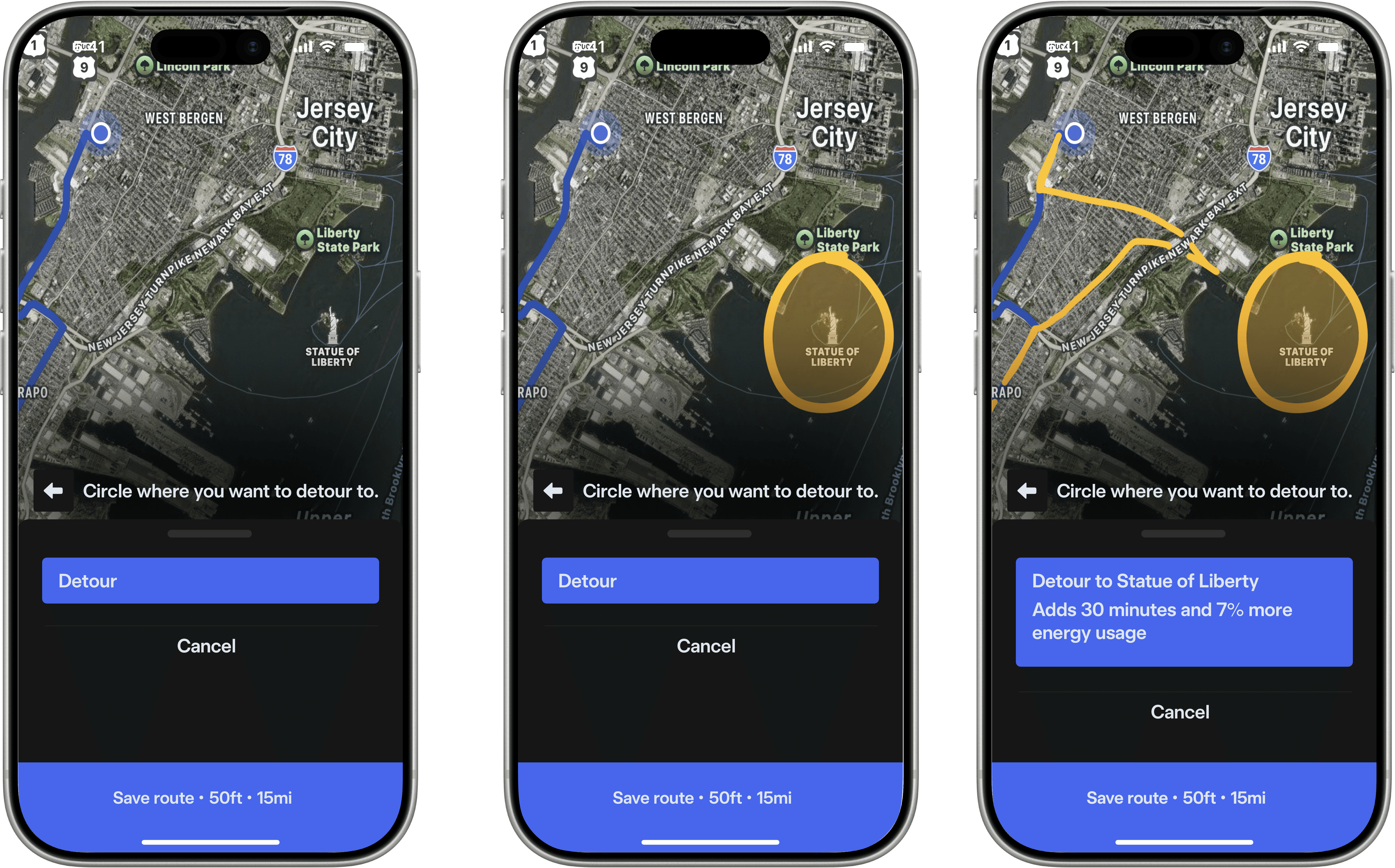
Sightseeing is part of any great road trip, and chances are, you need to take a detour to view all the sights to see. Waypoints can do the job fine, but it'd be nice if there was an easier way to select a detour without having to type and fiddle with a screen for an extended period of time, especially when you need to keep your eyes on the road.
So…
Not the end.
Approach one
Drive and Learn
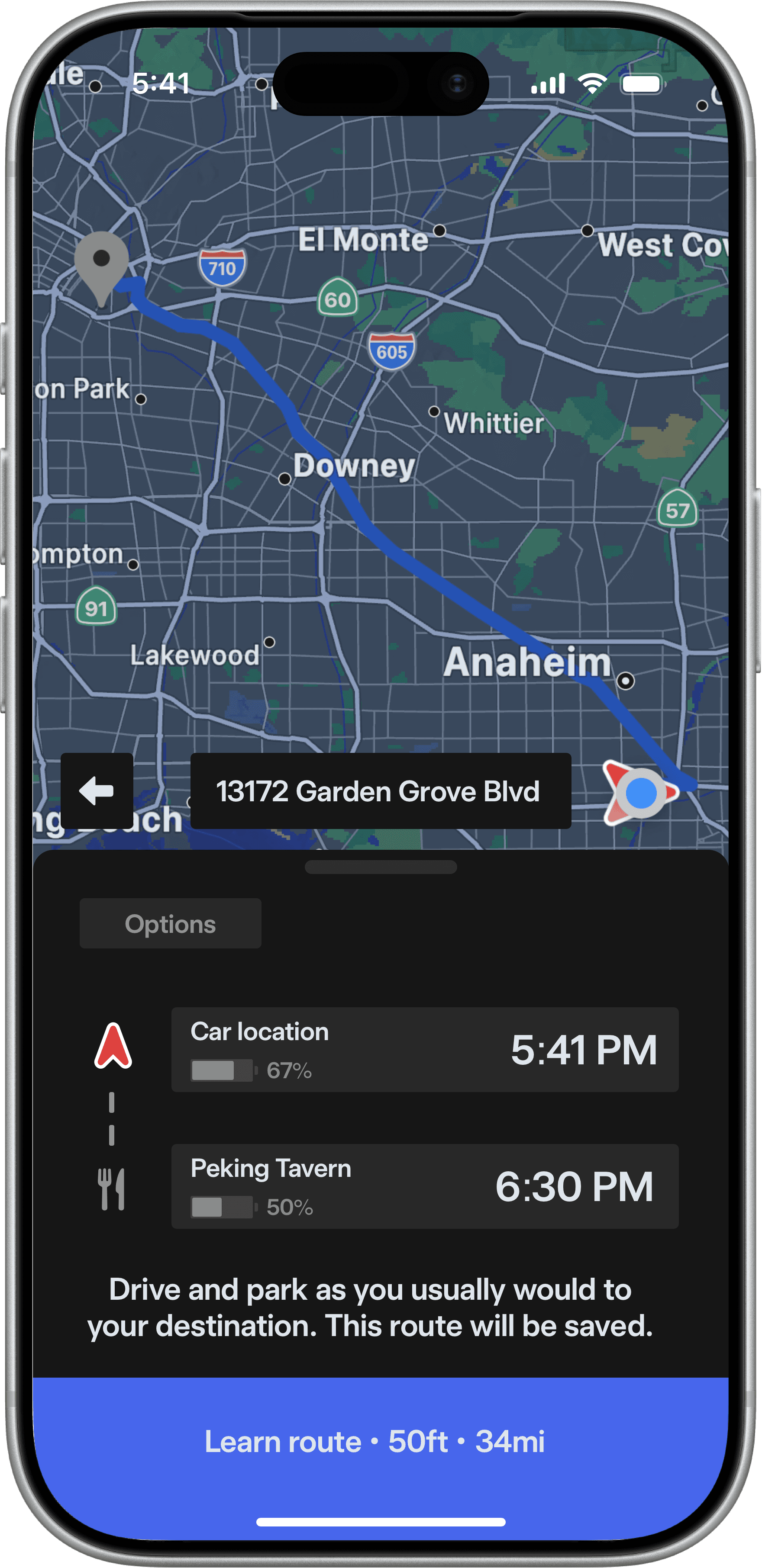
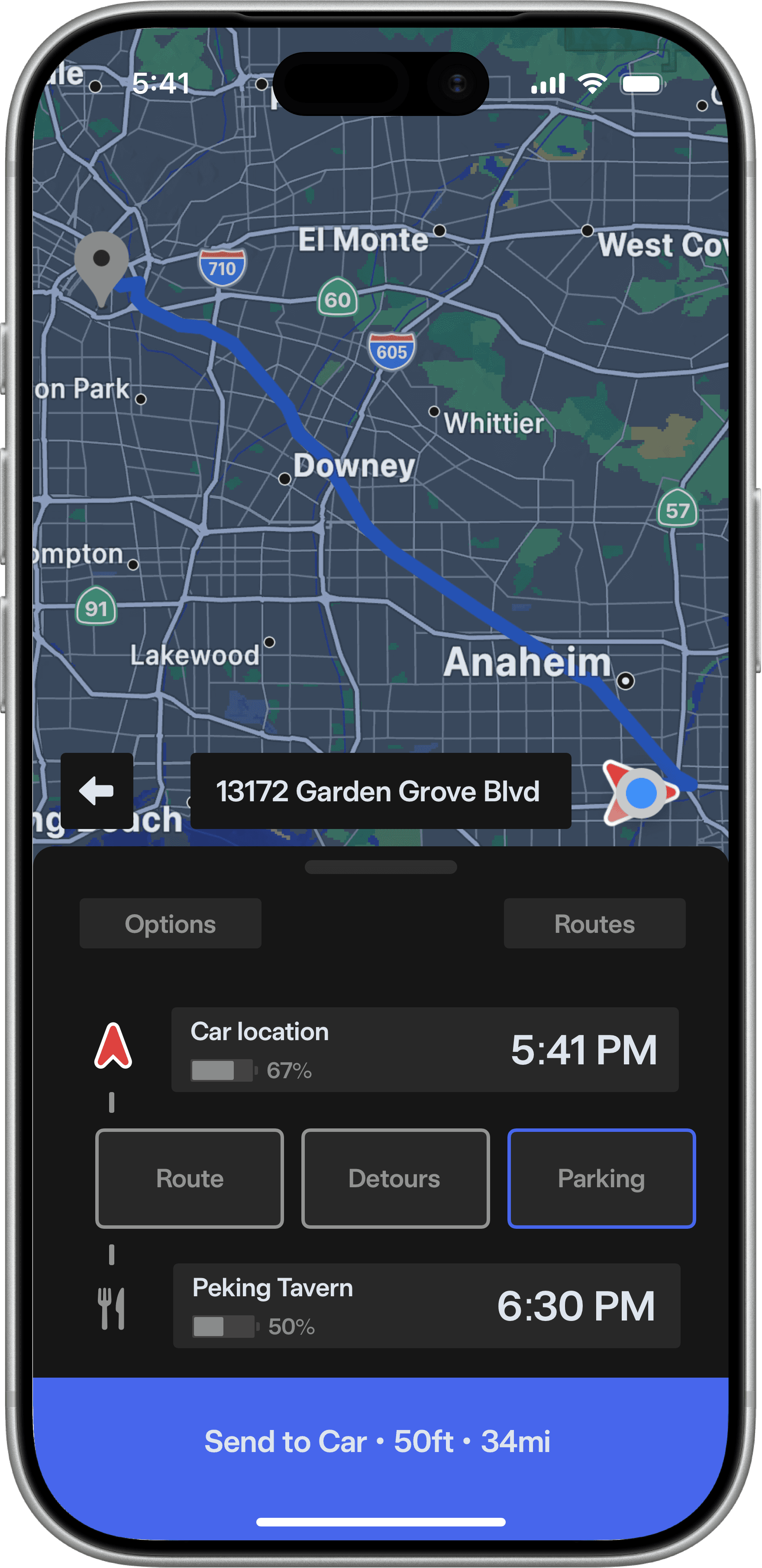

The user can scroll through options.
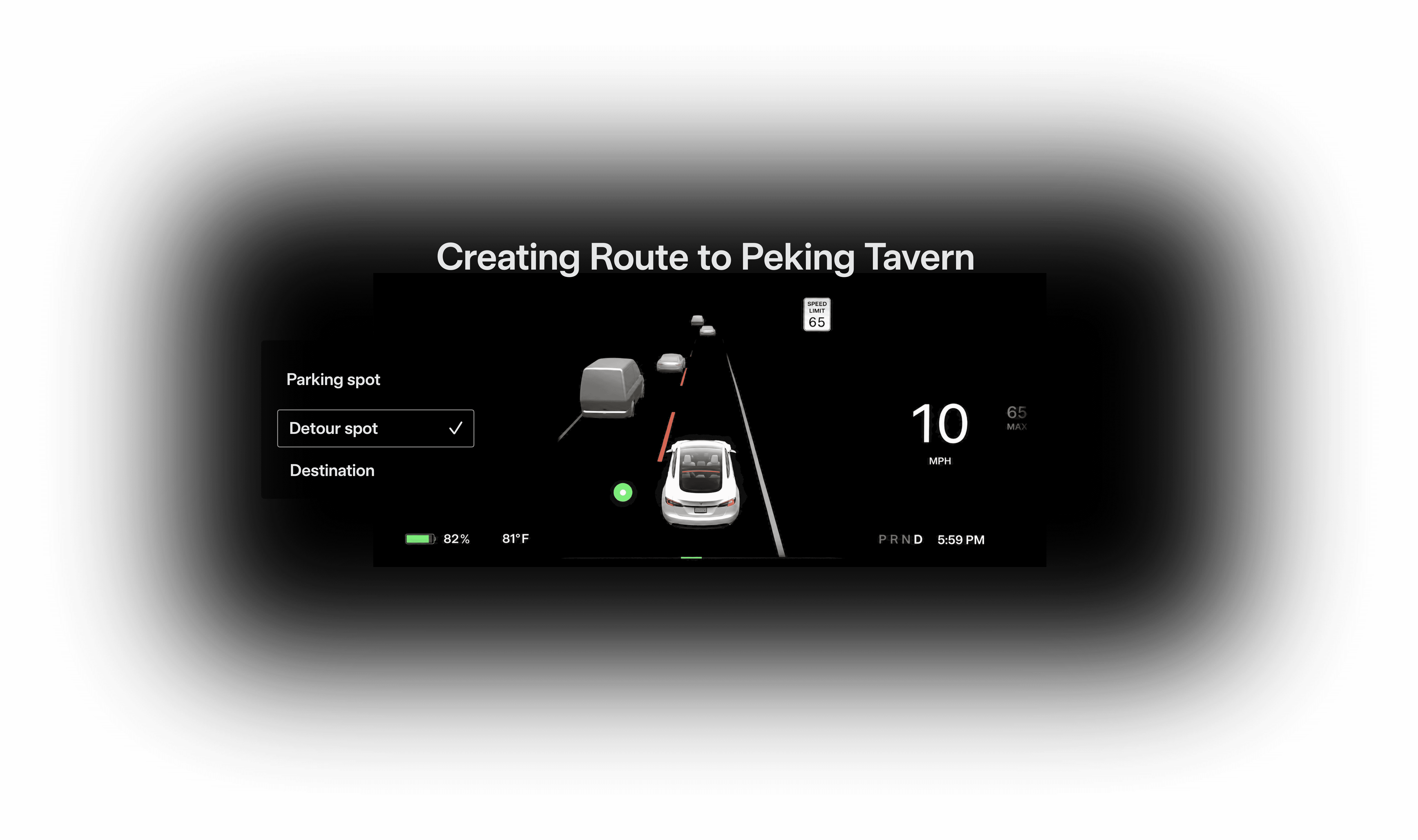
The user can save route markers.
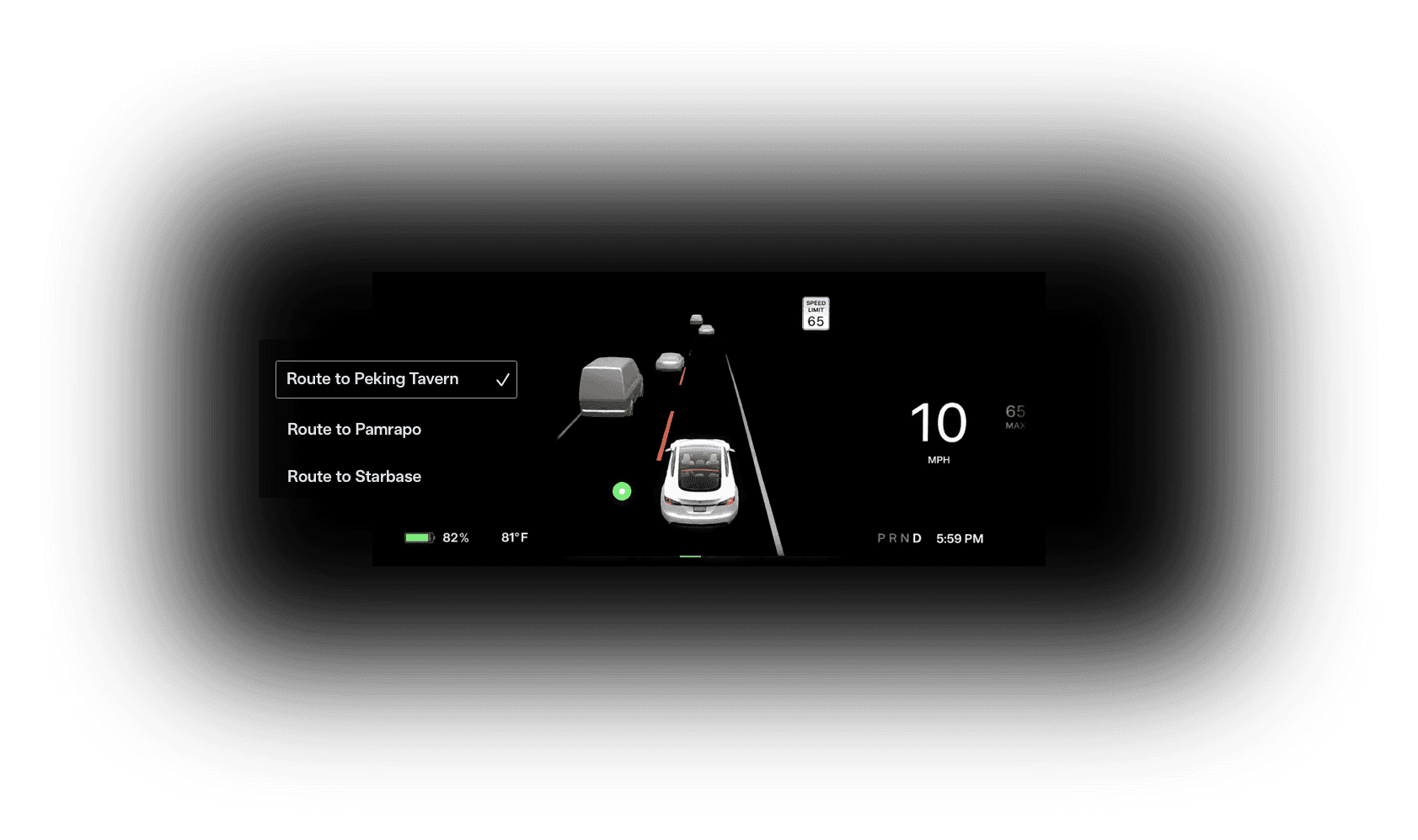
The user can then choose between saved routes.
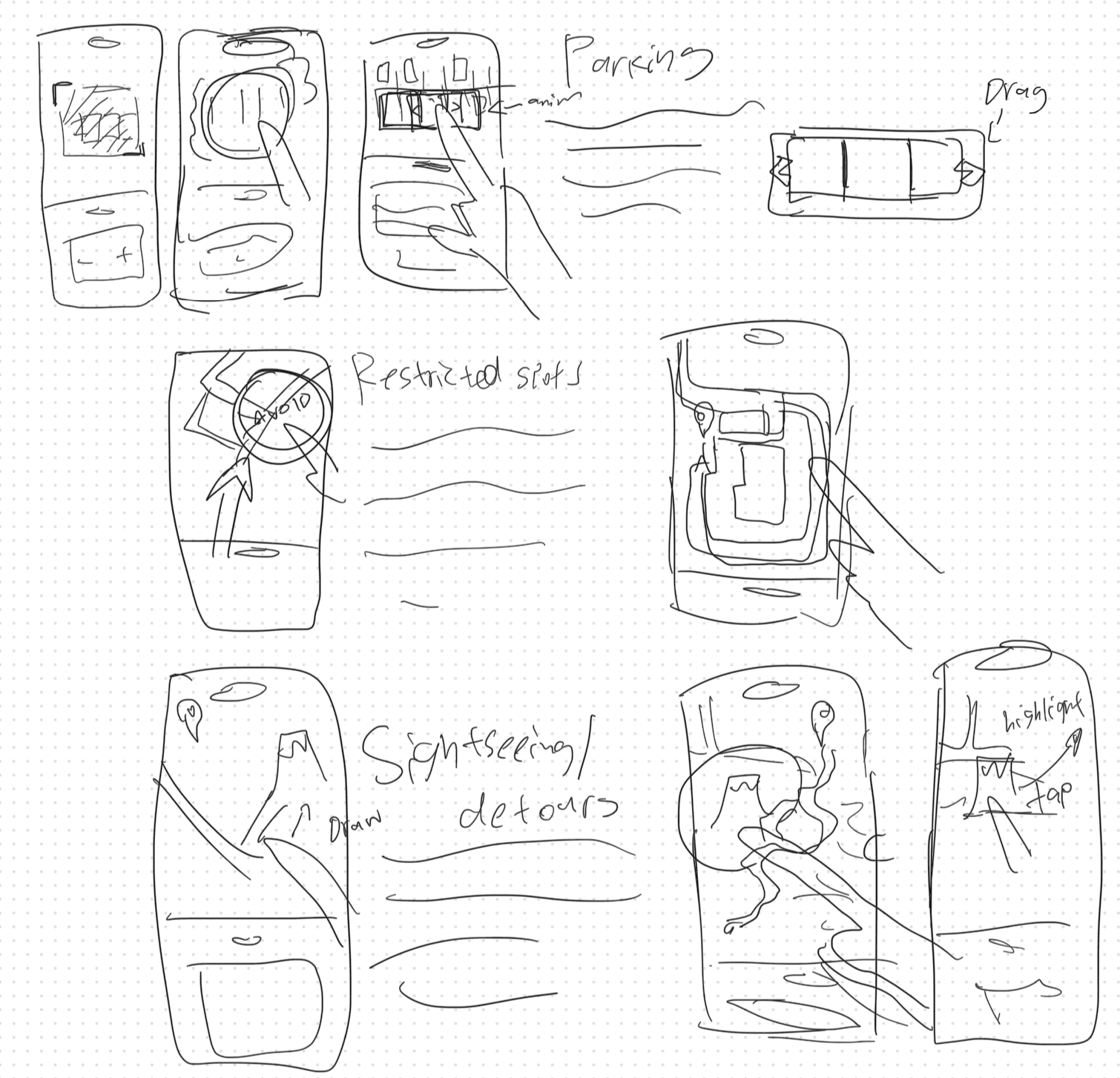
Using the familiar touchscreen interface, I propose a new way to kill three birds with one stone (or phone); dragging and drawing to solve for the problem of feeding to the route planner a variety of inputs without it being tedious or confusing. By switching between three distinct modalities but using the same input method, I believe this approach is ideal.
The user can choose a preferred parking space, or spaces with a simple and obvious draggable interface overlayed on top of a satellite image of the destination. This way, the car will always park at a spot that isn't inconvenient or otherwise disadvantageous for the user. In the event the user's selected range isn't available, the car will attempt to park at the nearest available space.
When the user wants to diverge from the default route generated by the planner, they can simply add a custom route by drawing a new path to the destination. No need for placing waypoints everywhere, and the user can have peace of mind that the car won't drive itself down a bad road.
When the user wants to create a detour before or during the trip, they can circle around the general area they'd like to see on the map, and they can quickly diverge from their route without having to type or temporarily stop their trip to input text or place a waypoint.
The final result is a new route planner that fixes the issues outlined when using Full Self-Driving, yet is still instantly familiar and intuitive to use. It eliminates most of the troubles faced when using the feature, decreasing the chances the user would need to intervene and disengage, which defeats the usefullness of autonomous driving technology. It would be nice to see other manufacturers and vendors implement a similar approach to reduce user friction as much as possible! It also shouldn't be a big hurdle to reconfigure this design to fix the style of other brands, such as Rivian or Lucid.
Approach two
Drag and Draw
Parking
Custom route
Detours
Outcomes
Now, just press

Created list of pain points faced by customers when using autonomous cars
Sketched and brainstormed different approaches to fix issue
Designed intuitive, approachable, and largely branding agnostic design to fix common struggles
The end.